
How to Hard Reset Your Set-Top Box
Warning: This process will erase all settings and DVR recordings.
1
Disconnect Power
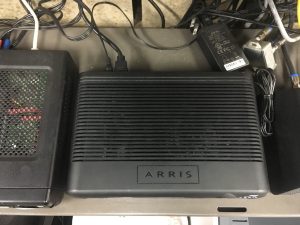
Unplug the power cord from the back of your set-top box (STB)
2
Hold Buttons
With one hand, press and hold the OK key and down arrow key located on the front of the STB.

3
Reconnect Power
While holding they keys down, use the other hand to reconnect the power cord.
4
Wait for Confirmation
Watch the front of the STB for the “Link”, “HD”, and “Record” lights to flash 3 times.
After the 3rd flash, release the keys.
5
Allow STB to Reboot
The STB will now initiate a hard reset and will re-download all software. You will see a gear appear onscreen and a progress bar.
Wait for this to complete, do not disconnect power during this operation.
Should the STB stop responding for longer than 30 minutes, or if a red “X” appears, please call 218-454-1234 for support.
